Jot it down, and keep it in your own cloud.

Hootnote is a little notebook in the corner of your browser. Your notes are stored in your own Google Drive, and you can write even when you're offline.

Start jotting Watch the 35-second demo

Free, with no ads. Works without signing in.

Just write. The formatting falls into place.

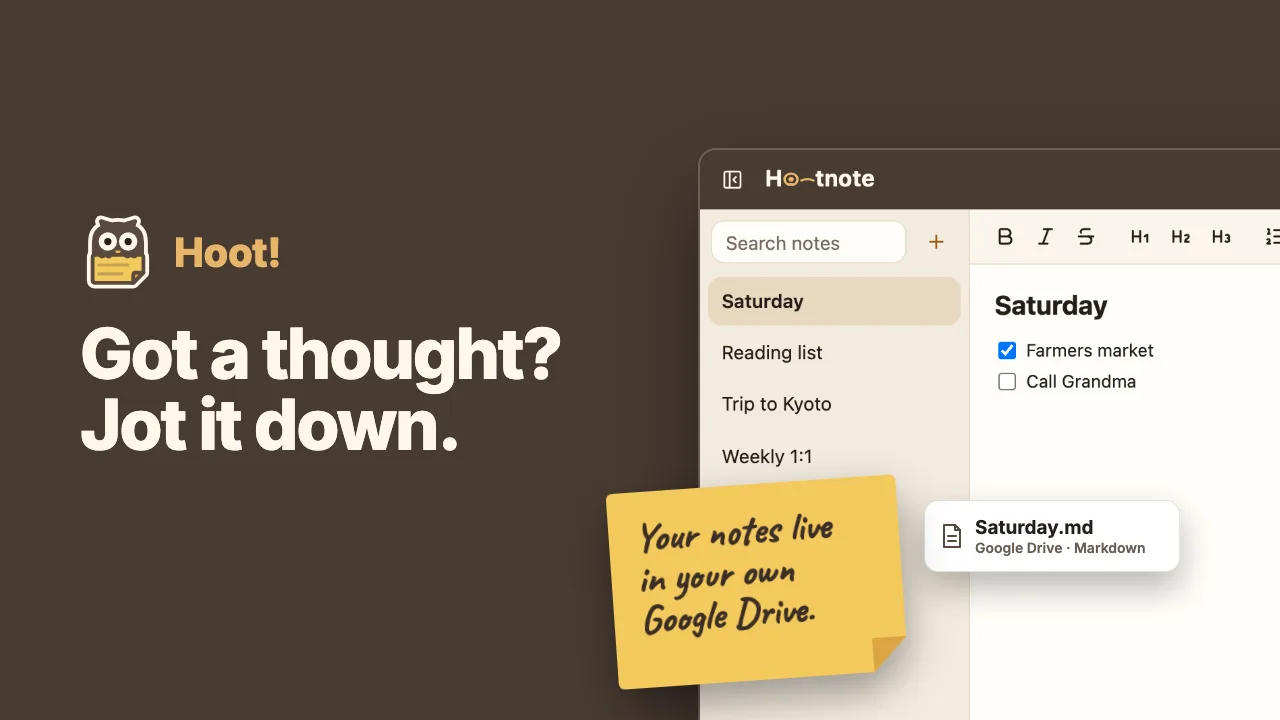
Your notes live in your own Google Drive.

Saturday.mdGoogle Drive · Markdown

Hootnote in 35 seconds

Play the video

A notebook that stays out of your way.

All the formatting you need

Headings, lists, to-dos and links are all there, and Markdown turns into formatting as you type.

You type
# Saturday
- [x] Farmers market
- [ ] Call Grandma
You get

Saturday

Farmers market

Call Grandma
Your notes are your files

Every note is a Markdown file in your Google Drive, ready to open or back up anytime.

Google Drive

  • Reading list.mdMarkdown
  • Trip to Kyoto.mdMarkdown
  • Weekly 1-1.mdMarkdown

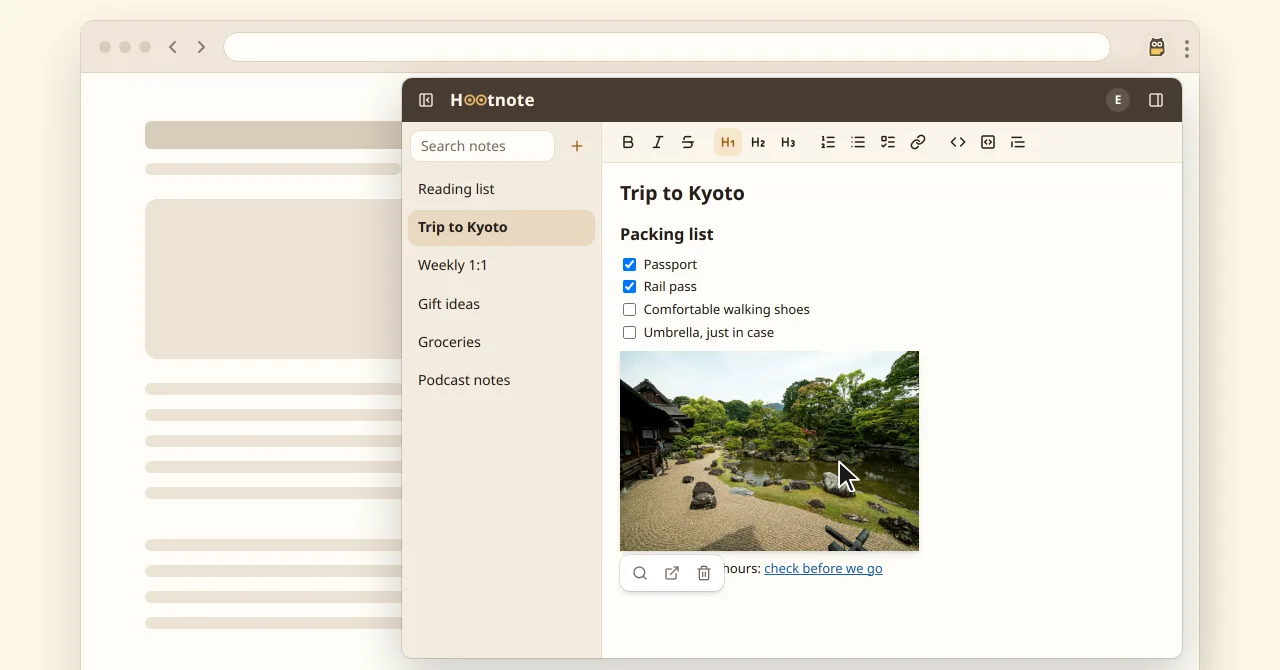
Images, right in your notes

Paste or drag an image in, and it's saved in your own Google Drive. Hover over it for a toolbar, or click to see it full size.

A photo of a garden in a note, its toolbar showing under the mouse

Write without a connection

Notes are saved on your device first and sync automatically when you're back online.

When it's synced, the owl gives you a wink.

The same notes everywhere

Sign in with the same Google account, and your notes follow you to any computer.

Popup or side panel

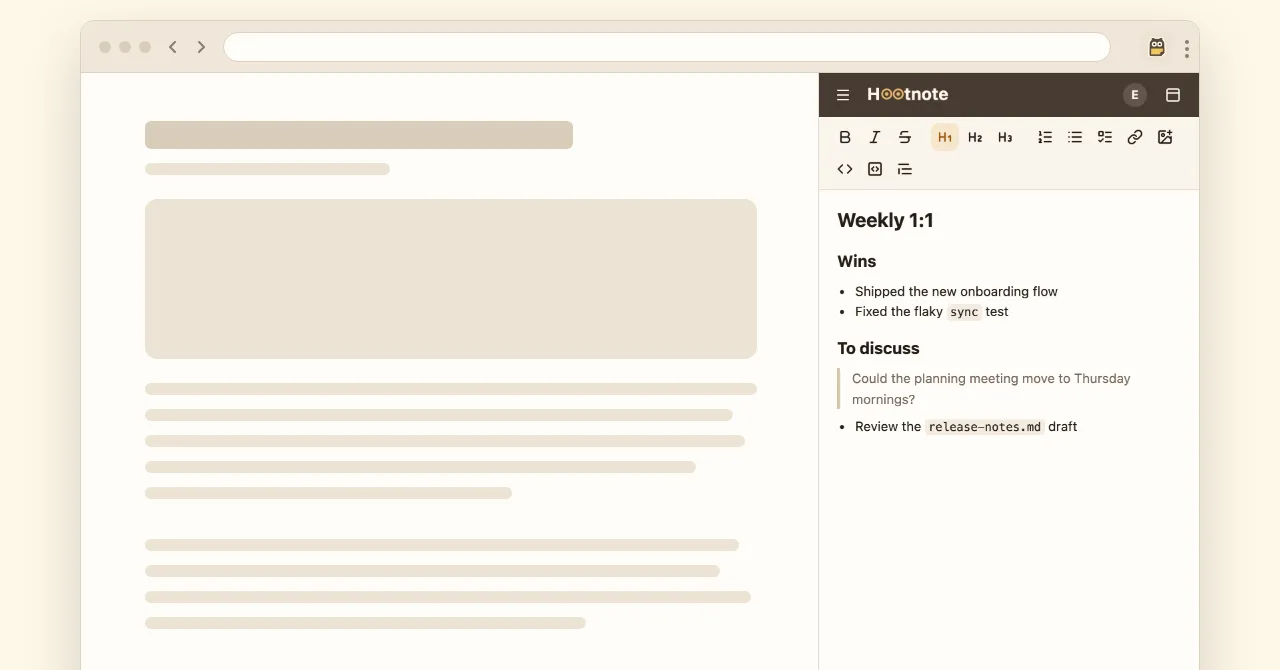
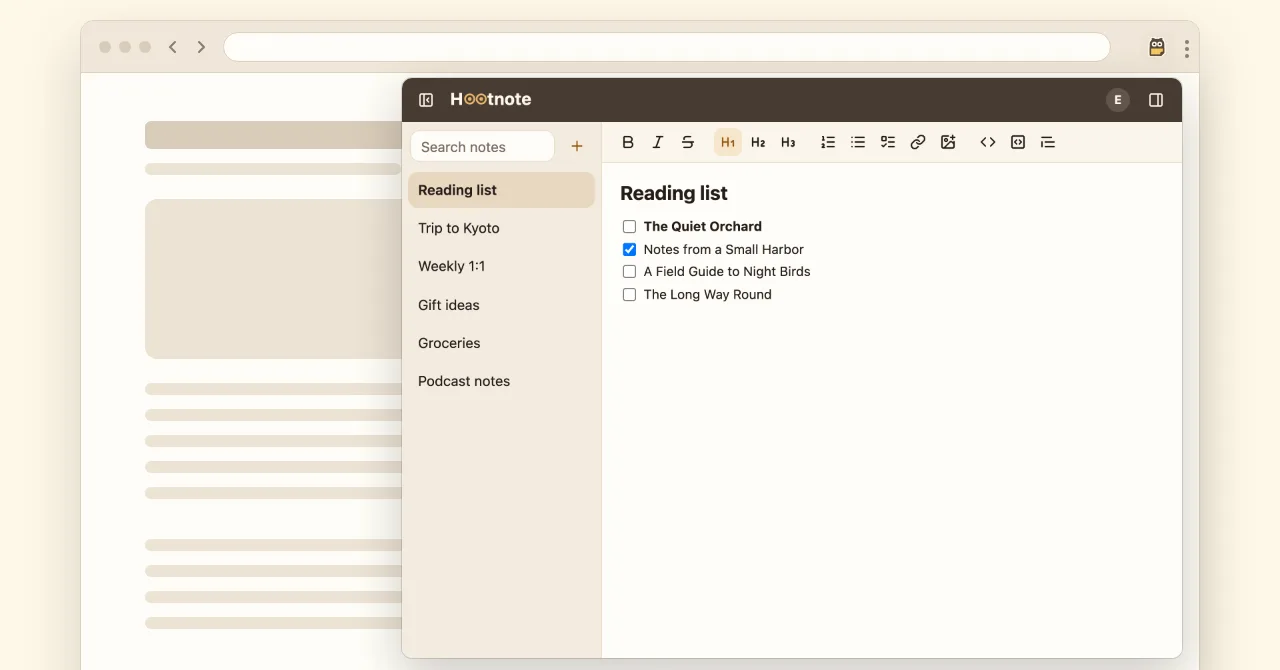
Open it with one click, or keep it in the side panel to read and write side by side.

Choose a view
Just write. The formatting falls into place.
Read on one side, write on the other.

Pick a color you like

Choose from nine theme colors, each with a light and a dark side.

Theme
Theme color

Your notes belong to you.

Your notes stay on your device and in your Google Drive, and never pass through our servers. Hootnote can only read and write the files it created, and it can't see anything else in your Google Drive.

  • Your notes never pass through our servers
  • Only reads and writes the files it created
  • Can't see the rest of your Google Drive

Read the privacy policy

Frequently asked questions

Something else on your mind? Contact us.

Where are my notes stored?

On your device, and in the Hootnote folder in your Google Drive.

Can Hootnote see the other files in my Google Drive?

No. Hootnote only asks for the drive.file permission, which lets it read and write only the files it created.

Can I use it without signing in?

Yes. Without signing in, your notes stay in this browser. Once you sign in, they sync to your Google Drive.

What happens if I edit the same note in two places at once?

Hootnote merges the changes automatically. If both sides changed the same line, it saves an extra copy so you keep both versions.

How do I delete my data?

Removing Hootnote clears its data from your browser. The note files in your Google Drive stay there until you delete them yourself.

Does Hootnote cost anything?

No. Hootnote is free, with no ads.